


GI4 ·HYPER-DEPRECIATION ·DATA KEPT IN-HOUSE
Italy’s 2026 hyper-depreciation for software and MES
Connect your machines and manage data, recipes and batches with a system installed on your premises. We support the technical review of the investment and prepare the documentation for your appraiser.
Software and hyper-depreciation: what to check
Hyper-depreciation increases, for tax purposes only, the acquisition cost on which depreciation and leasing instalments are calculated. It also covers 4.0 software (4.0 intangible assets, currently listed in Annex V of Law 199/2025), but eligibility must be checked for each investment.
- Period
- Investments from 1 January 2026 to 30 September 2028.
- Increase by bracket
- The acquisition cost is increased by 180% on the part of the investment up to €2.5 million, by 100% on the part from €2.5 to €10 million and by 50% on the part from €10 to €20 million. The brackets are calculated on the investments completed in each year. It is not a tax credit or a refund: it raises deductible depreciation, so it matters if the company has taxable income.
- How you buy it, not where it runs
- The list of 4.0 intangible assets also includes cloud solutions. But the increase applies to what is depreciated, such as a purchased licence: a subscription fee for a service (SaaS) is an operating cost and falls outside this mechanism.
- Requirements and GSE
- The asset must be new, used in a production facility in Italy and interconnected with the company's production management system or supply network. The investment goes through the filings with the GSE. The increase applies from the tax period in which the completion filing is sent to the GSE, provided the asset has entered into operation within the same period. To use it, the GSE checks must have a positive outcome.
- Appraisal and certification
- A sworn technical appraisal (or a certificate from an accredited body) and an accounting certification by a statutory auditor are required.
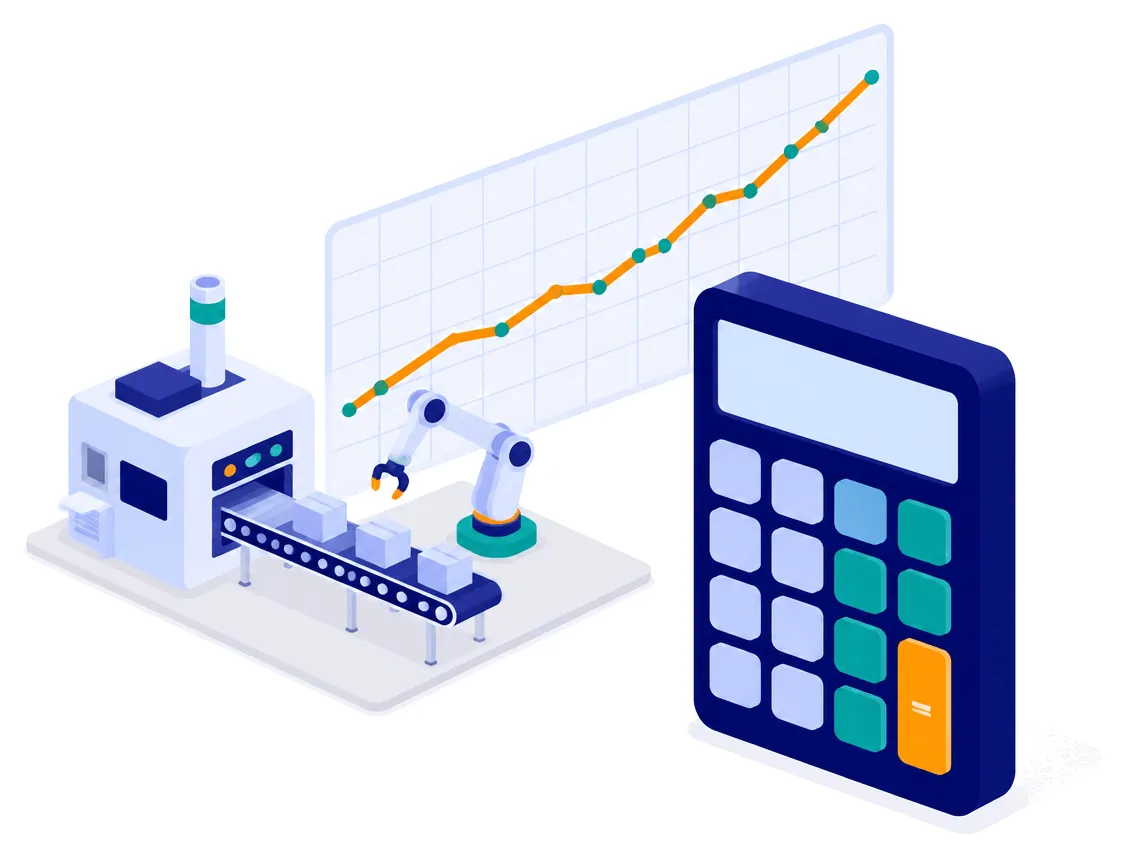
What could an investment return? Make an estimate with the return calculator, with three examples.
How you buy and use GI4
You buy the GI4 licence once and the system runs on your premises. This is GI4's commercial model: on its own it is not enough for the incentive, which depends on the checks described above.
- One-time purchase
- No mandatory fees and no per-user or per-device licences.
- Installed on your premises
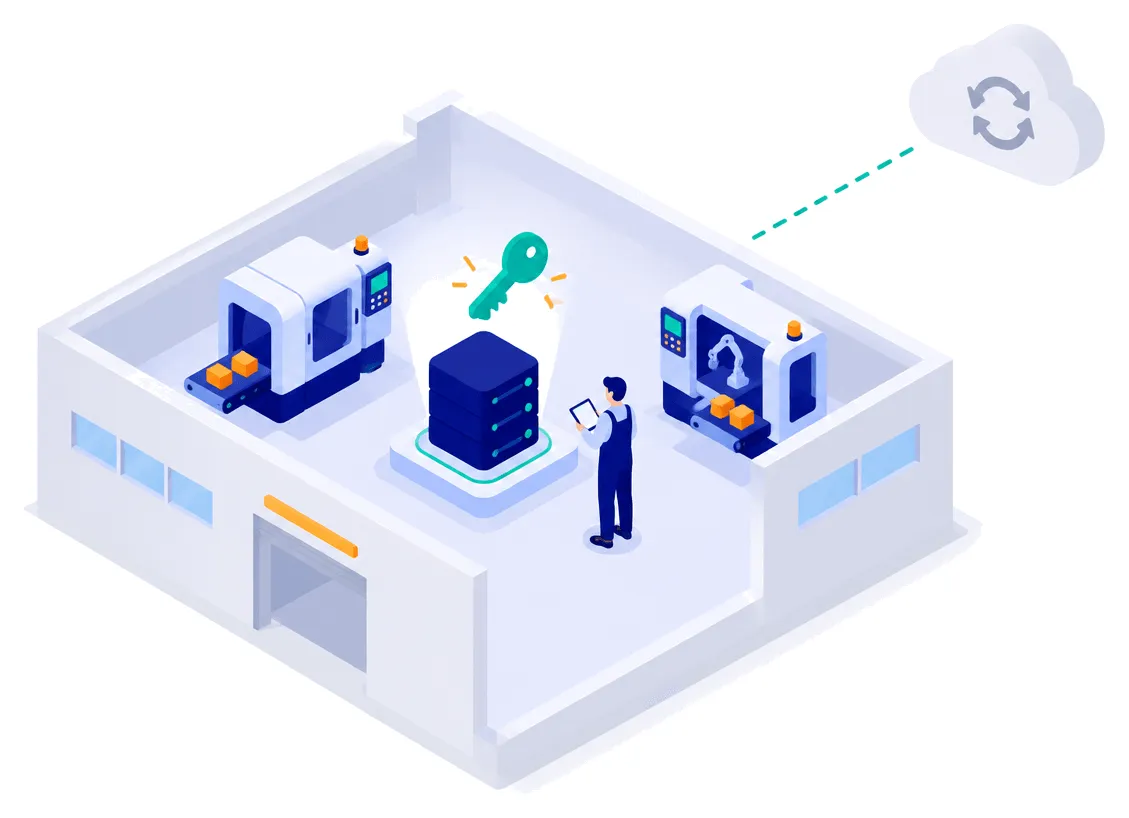
- On an edge NAS/server we supply or on your own company server. Your data stays in the factory.
- One machine at a time
- Start with one machine, then extend to the line.
- Services agreed separately
- Support and updates are not mandatory and are agreed separately: your right to use the system you bought does not depend on them.
See what GI4 does every day in Discover GI4 and in the live demo.
The documentation for your appraiser
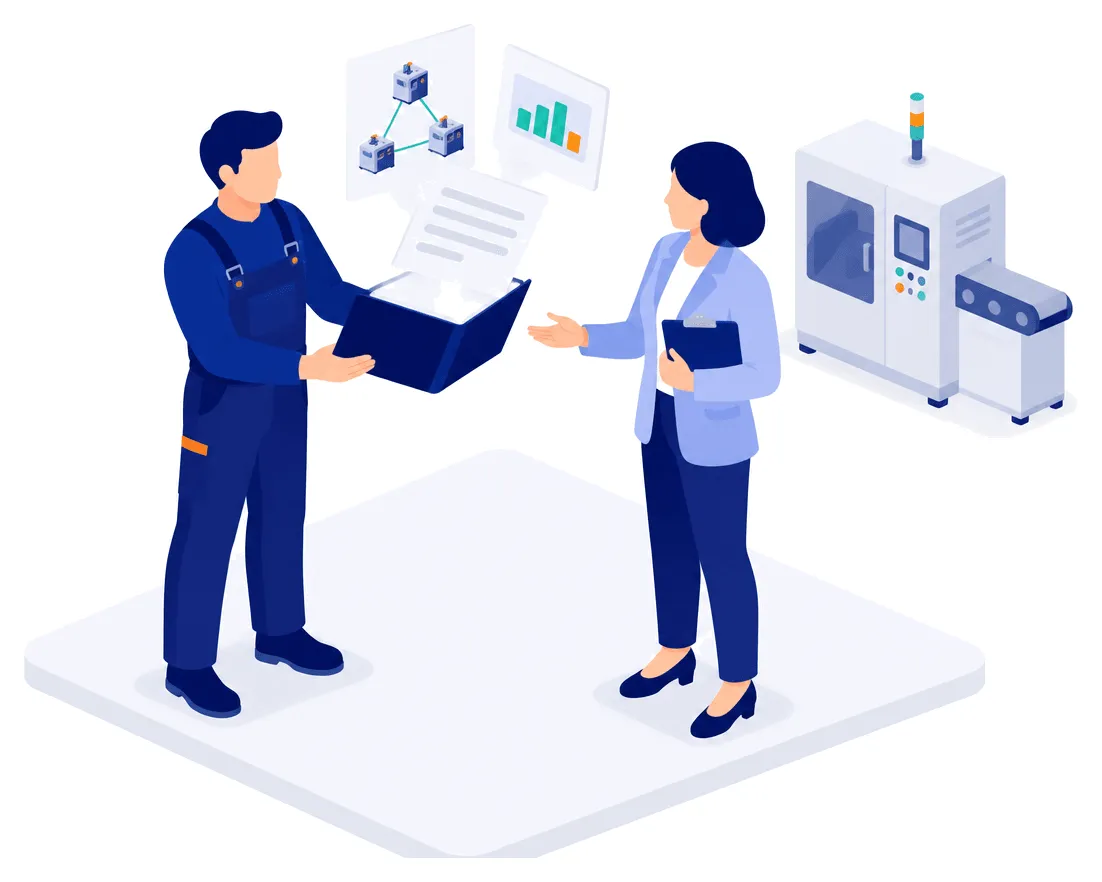
The appointed professional assesses whether the investment meets the requirements; your accountant handles the tax side. We prepare the technical documentation, which supports the appraisal but does not guarantee the incentive on its own.
- Technical description
- The GI4 system and its functions.
- Interconnection diagram
- The machines connected, the protocols and the data exchanged in each direction.
- Evidence that the connection is live
- Screens and data logs from your plant.
- Licence and invoices
- The references for the accounting certification.
How we connect your machines
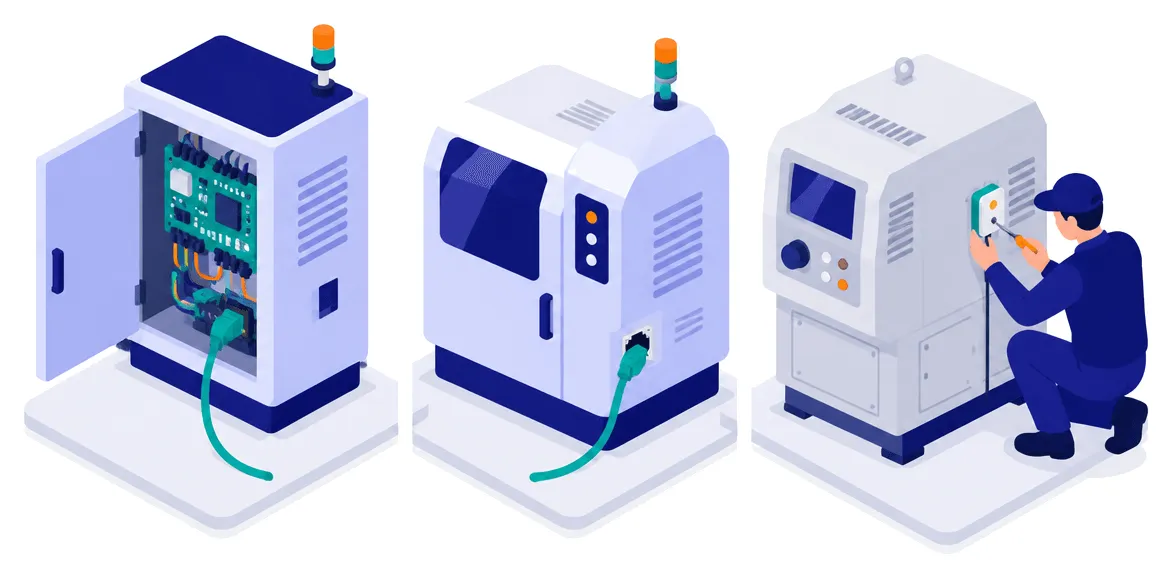
We start with a technical review: which machines you have, which data they make available and what you want to achieve. Timing and approach are defined afterwards.
- Reading states and production
- When the PLC makes the necessary data available, we can connect GI4 without changing the machine logic, older machines included.
- OPC UA, Siemens S7, EUROMAP
- They make connection easier, but do not guarantee on their own that all the useful data is accessible: we check machine by machine.
- Sending recipes and parameters
- We check what the machine allows: available interfaces, write permissions and how it handles parameters. Often the complete PLC project or the builder's cooperation is needed; the program read from the PLC is not always enough.
GI4 in production
GI4 collects machine data and helps you manage planning, recipes and batches. With MIO, included, you analyse OEE, downtime and energy use.
GI4 installations
- 8plants in operation
- 4industries
- 28machines connected in the largest installation, across 11 lines
How to read it
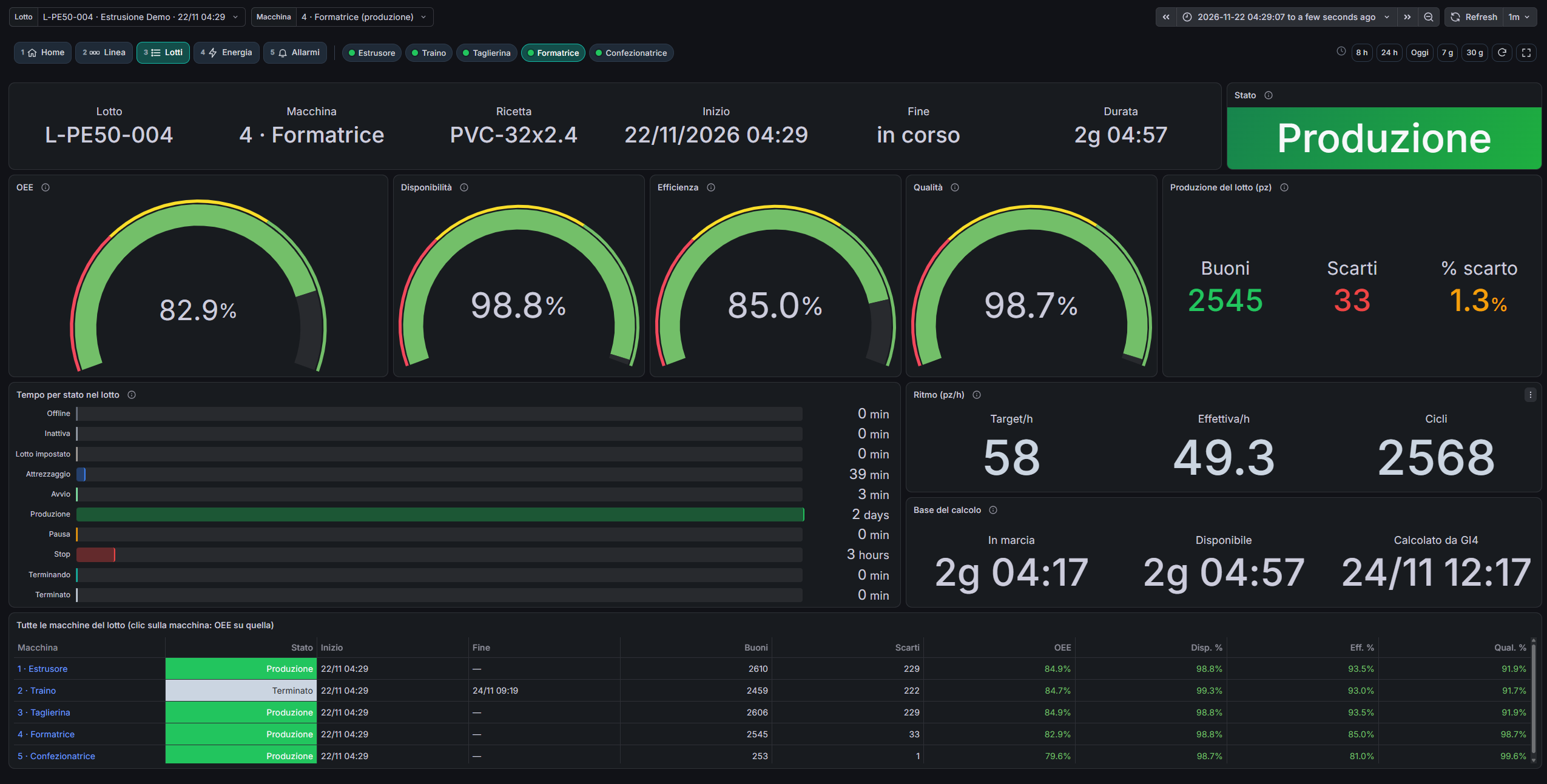
OEE at 82.9%: availability and quality are close to 99%, performance is at 85%. The machine makes 49.3 parts an hour against a target of 58: the main loss is in the rate, not in stoppages or rejects.
On a real plant the same view showed a batch with OEE at 66.2% and almost 15 hours waiting for material: the priority was the supply to the line, not the machine.
FAQ
- Can I access it remotely?
- Yes, it is a protected option we offer. GI4 stays installed on your premises: remote access does not turn it into a cloud subscription service.
- Is support mandatory?
- No. The system you bought works without a support contract; services are agreed separately.
- Can I start with just one machine?
- Yes. You connect the first machine, check the data, then extend to the line.
- What do you need for a first assessment?
- The builder, model and PLC of your machines, the available interfaces if you know them, and what you want to achieve: data, recipes, batches or analysis. Whatever is missing we look for together.
Let’s start with your machines.
Tell us which machines you want to connect and what you want to improve: data collection, recipes, batches or production analysis. We will work out together where to start.