Which settings have changed?
GI4 keeps recipe versions and compares them with machine values. Find changes and choose what to send before production starts.
Let's talk about your plant
The questions on this page
- “Nobody remembers to save versions.”Every saved change has its own version
- “How far has the machine drifted from how it should be set up?”Recipes and machine values, side by side
- “The panel shows a different value from the recipe: mistake or trial?”Changes made on the panel stay visible
- “1,107,296,262: what does that number mean?”Read the settings behind a code
- “And what if the machine is running?”Prepare the recipe. Decide when to send it.
The problem
“Nobody remembers to save versions.”
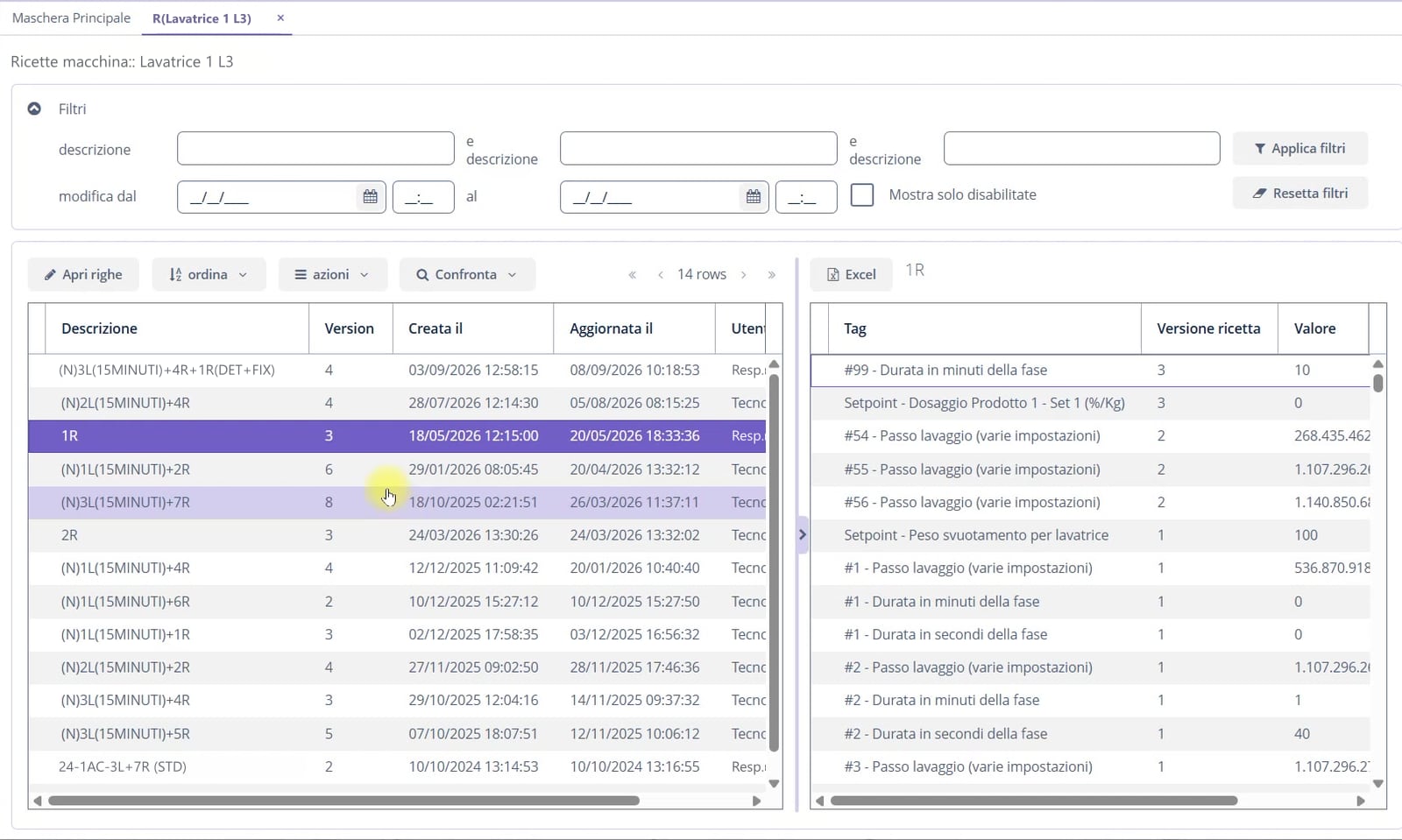
Every saved change has its own version
When you save a modified recipe, GI4 creates a new numbered version. It keeps earlier values and identifies who last updated the recipe.
The comparison table shows versions, dates and parameters. See what changed and when, without relying on memory.
The problem
“How far has the machine drifted from how it should be set up?”
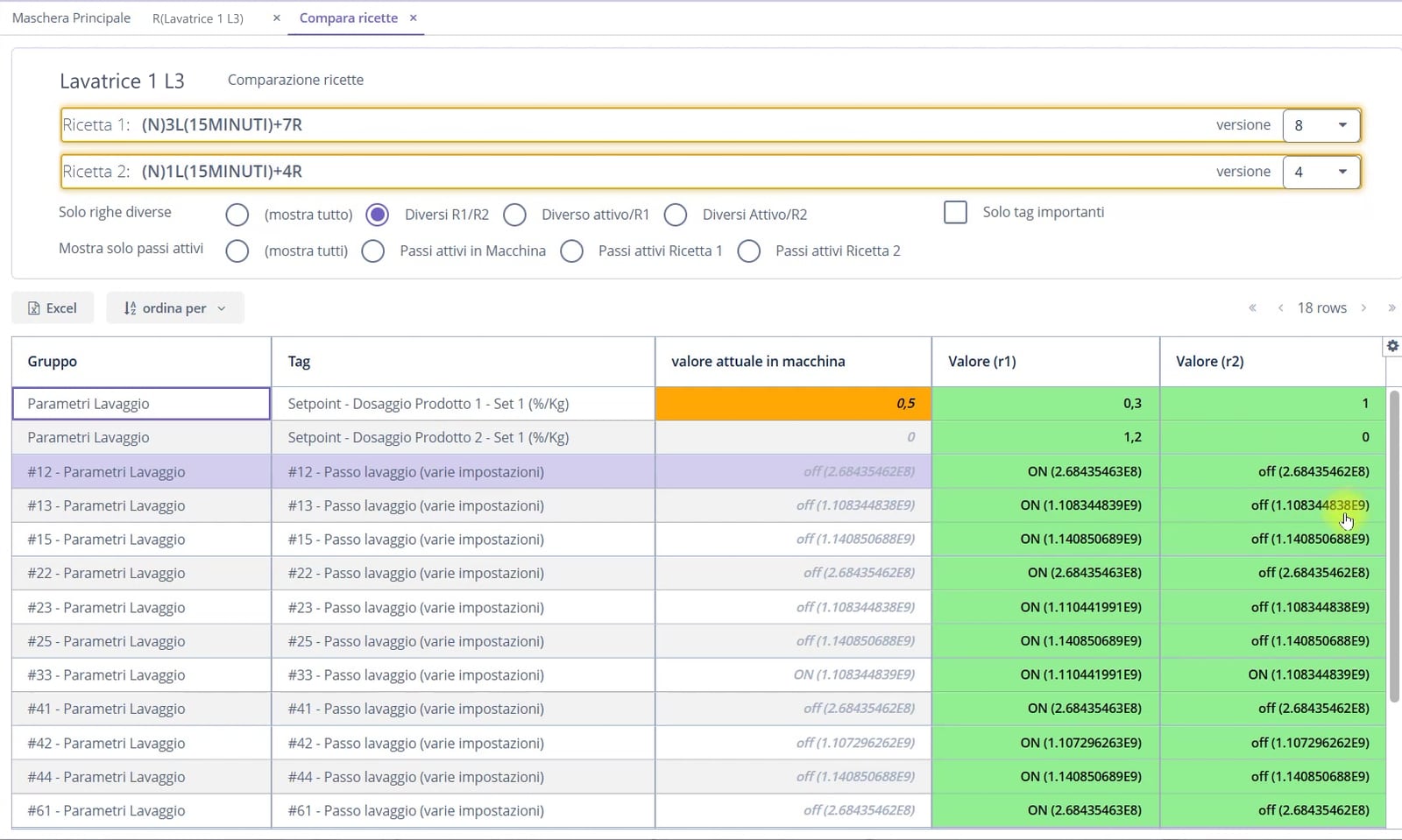
Recipes and machine values, side by side
Compare two recipes for the same machine or two versions of one recipe. Current machine values appear alongside them.
Filter differences, active steps or important parameters. Export the comparison to Excel.
The problem
“The panel shows a different value from the recipe: mistake or trial?”
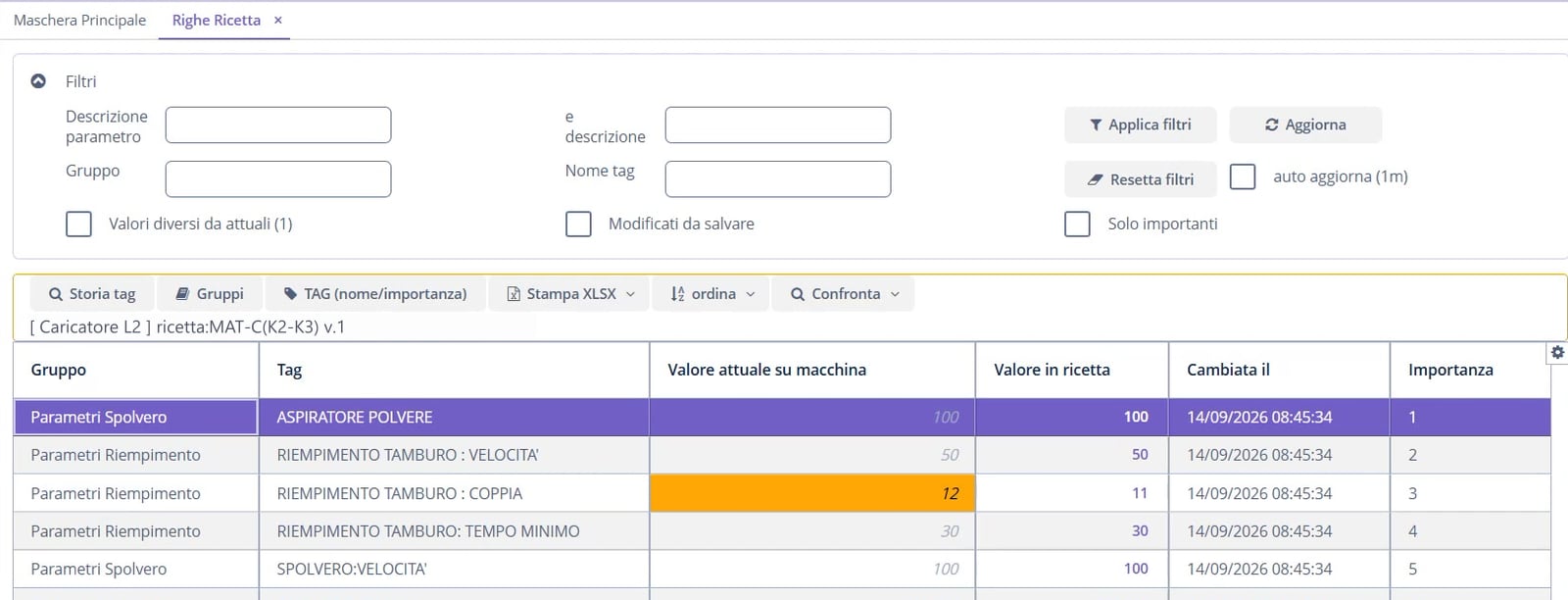
Changes made on the panel stay visible
If an operator changes a machine value, GI4 compares it with the recipe and flags the difference without removing it. Even a temporary trial remains useful information.
Alignment follows the method agreed for the plant: update the recipe in GI4 or follow the controller.
The problem
“1,107,296,262: what does that number mean?”
Read the settings behind a code
Some PLCs pack several settings into one number. GI4 shows what each field means.
Edit values in a form grouped by function, such as drum speed, water level and dosing.

The problem
“And what if the machine is running?”
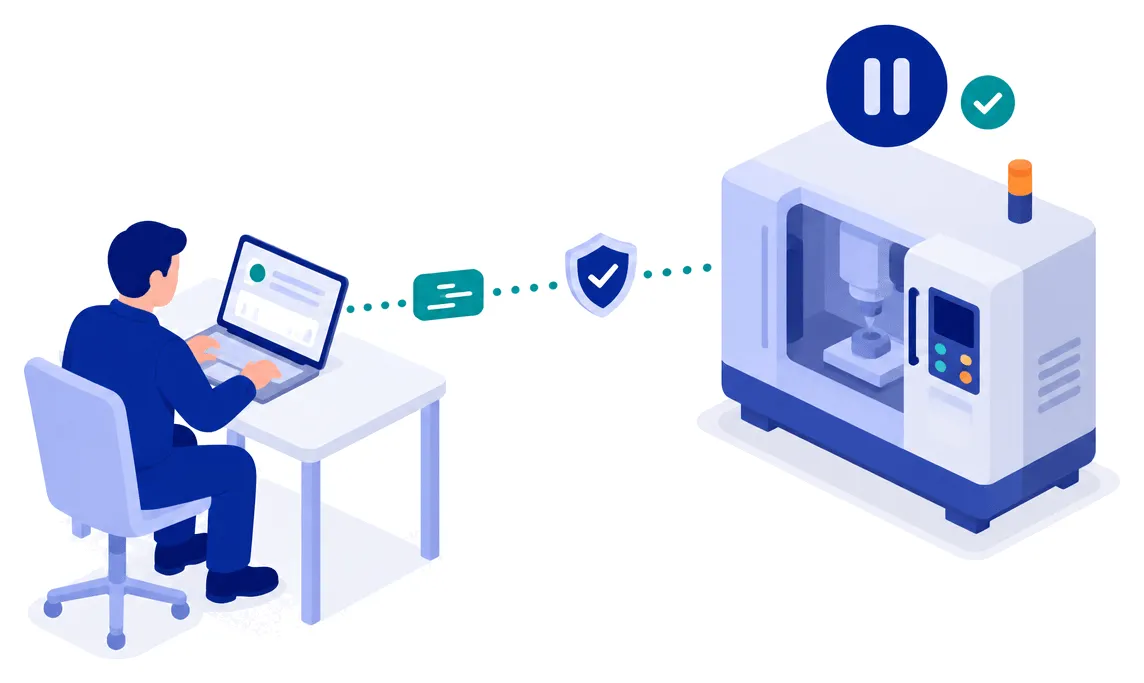
Prepare the recipe. Decide when to send it.
Creating or changing a recipe in GI4 does not change controller values. Sending requires a dedicated command or a batch change, with the machine stopped and the plant logic permitting it.
If a parameter is added to an existing recipe, GI4 proposes the value read from the machine. Sending remains blocked until the value is confirmed.
At a glance
- Automatic recipe saving and versioning
- Comparison between recipes and versions, against the machine value
- Differences between machine and recipe counted and flagged
- Packed parameters decoded and editable field by field
- Explicit sending to the machine, only when stopped
Other topics
 OEE and downtime Find production losses: times, stops and causes.
 Batches and traceability Compare production runs and start from a previous batch.
 MIO: dashboards and analysis Read settings, measurements, rejects and consumption together.
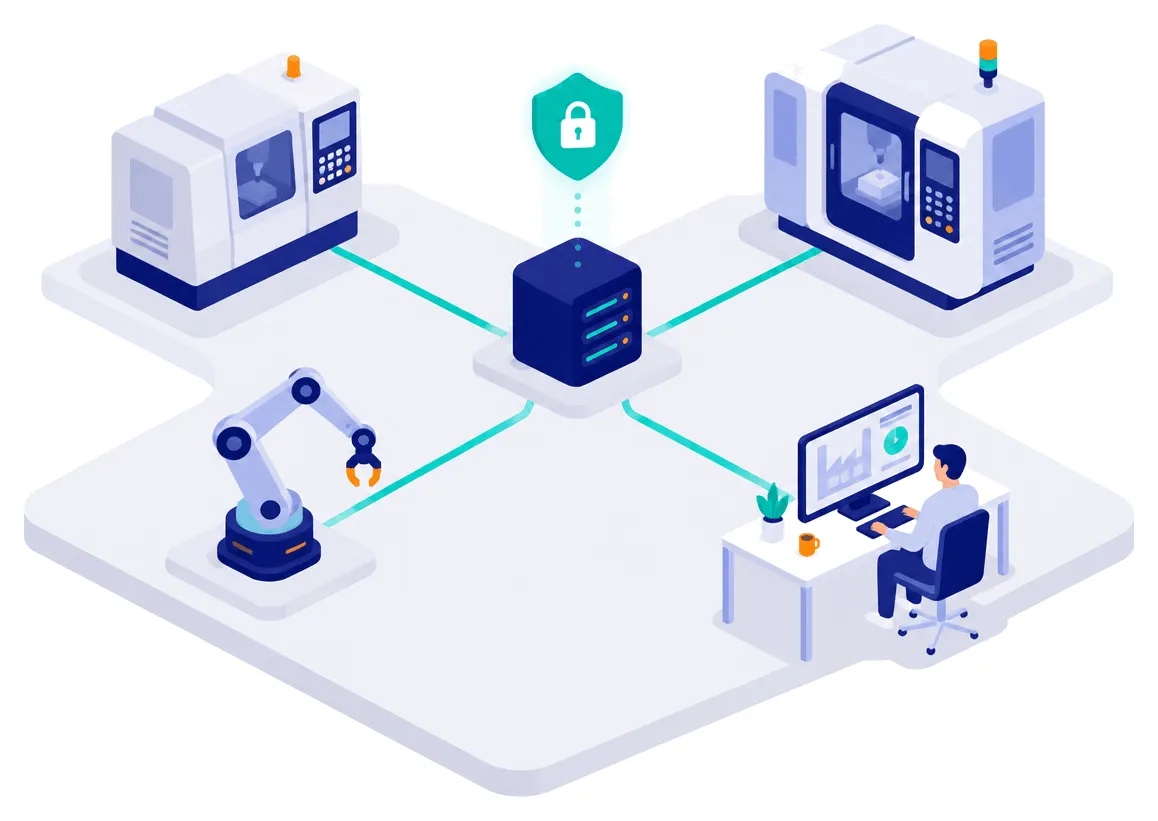 Connecting machines and systems Connect machines and business systems, with data kept in-house.
 Operators and access Identify operators and trace their changes.
Let’s start with your machines.
Tell us what you want to improve. Together, we check which data we can collect and how to connect your plant before preparing a quote.
- 8plants in operation
- 4industries
- 28machines connected in the largest installation, across 11 lines